[下載教學] [廣告文]
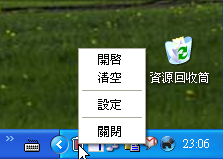
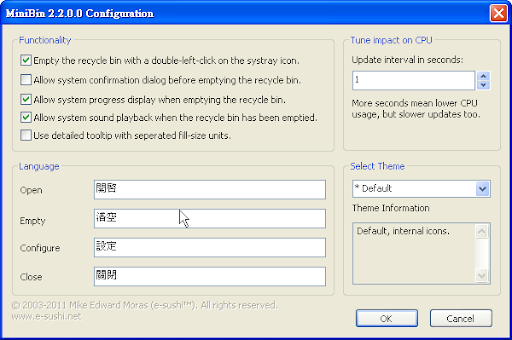
資源回收筒增強外掛 - MiniBin,其小圖示常駐於桌面右下角,會顯示資源回收筒是否為空的,若不為空,當你把滑鼠移過去時還會顯示垃圾大小,左鍵按兩下小圖示就清理資源回收筒,也可以用右鍵→【Open】資源回收筒,也可以簡單的把滑鼠選單中文化,小巧好用又有趣,測試過Windows 7及Windows XP都可以使用。(阿榮)
MiniBin is a free recycle bin for your Microsoft Windows system tray area; the area next to the clock in your taskbar.
Minibin may come handy when you're hiding the recycle bin from your desktop or if you're using a replacement shell that provides a system tray but no useable recycle bin (like litestep or emerge desktop). But you also might be just like me... wanting to be able to empty the recycle bin without the need to minimize any windows.
下載連結→ [按此]